Setup
On your Wi‑Fi. No app to install.
Join the temporary network the device shows, open the page in a browser, enter your home Wi‑Fi, and you are done. Nothing to download from an app store — phone or laptop browser is enough.First boot →
In the room
What's next. On the wall.
You should not have to open an app to know what is about to happen around you. B0rd is a sign that stays in your world. It finds the time and where it is, then puts the next relevant thing on the wall. A storm coming in. A noon launch while you unload the dishwasher. Whatever matters here, without leaving the kitchen.
Catalog
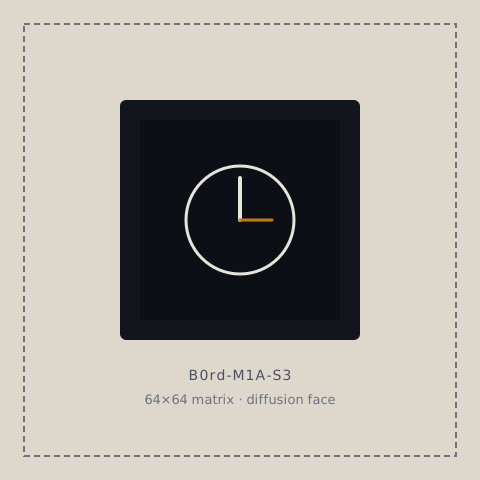
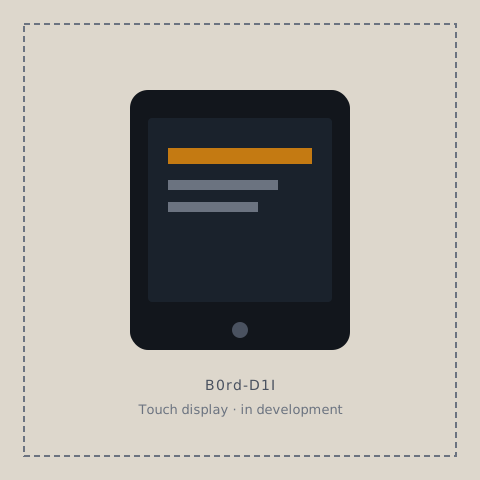
Different screens, one family. Figures below are product schematics — seehardware for specs.
Day one
Setup
Join the temporary network the device shows, open the page in a browser, enter your home Wi‑Fi, and you are done. Nothing to download from an app store — phone or laptop browser is enough.First boot →
Time & place
Once connected, B0rd picks up network time and local hours for your place so the clock and schedules make sense out of the box. Prefer a different timezone or a manual clock? Override either in a couple of taps.Display & clock →
Apps & playlist
Pick which apps appear on the screen and how they rotate in your scene playlist. Idle clock when the room is quiet; countdown when a launch is near; soft motion underneath. Timing is yours to tune.Playlist & timing →
Live cues
Short overlays land on the display when something happens — a launch update, a door, a finished job. Hook the tools you already run, including coding agents, so you can watch a session from across the room instead of sitting in front of the machine all day.Notifications →
In sync by design
Matching B0rds listen to the same clock — no pairing, no messages, no conductor — so each one lands on the same scene and transition on its own.More features →
Inside every B0rd
Every model is a standalone display. What they share isB0rd OS — boot, time, networking, control, and a place forapps that put content on the screen. Firmware flashes once and freezes a behavior; an OS is the platform those apps ride on.
Today’s shipping image includes the idle clock, launch countdown, notifications, and underlay motion. The platform is designed so developers can compose custom apps into a product build. That app surface is still maturing; the manuals document what ships now.
Workbench
R&D notes, new products, and adventures in building the OS.
Notes will appear here as we publish them.